An Ask Classgrid link opens chat.classgrid.in with a question already typed in the message box. Add one to your website, docs, app or email, and your readers can ask Classgrid AI about your content in one click. It works like the "Ask ChatGPT" and "Ask Claude" buttons you see on many docs sites.
The link format
TEXT
https://chat.classgrid.in/?q=YOUR_TEXT
Part
What it means
https://chat.classgrid.in/
The Classgrid AI chat.
q
The text to put in the message box. It must be URL-encoded (spaces become %20, and so on).
Example: this link opens the chat with "Summarise the Classgrid pricing page" ready to send.
Please don't change the logo's colours or shape. More logo files are on the brand page.
Build the link
Make the link in your own code. Pick your language from the dropdown.
SH
# Prints the finished, encoded linkcurl -s -G "https://chat.classgrid.in/" \ --data-urlencode "q=Read from https://example.com/docs/setup so I can ask questions about its contents" \ -o /dev/null -w "%{url_effective}\n"
PY
from urllib.parse import urlencodedef ask_classgrid_link(text: str) -> str: return "https://chat.classgrid.in/?" + urlencode({"q": text})print(ask_classgrid_link("Read from https://example.com/blog/launch so I can ask questions about its contents"))
JS
function askClassgridLink(text) { const url = new URL("https://chat.classgrid.in/"); url.searchParams.set("q", text); return url.toString();}console.log(askClassgridLink("Explain this error: ECONNREFUSED 127.0.0.1:5432"));
Add a button
Put an Ask Classgrid button on your page. Pick how your site is built from the dropdown.
// A button that asks about the current pagefunction askClassgrid(text) { const url = "https://chat.classgrid.in/?q=" + encodeURIComponent(text); window.open(url, "_blank", "noopener,noreferrer");}document.querySelector("#ask-classgrid").addEventListener("click", () => { askClassgrid(`Read from ${window.location.href} so I can ask questions about its contents`);});
JSX
export function AskClassgridButton({ pageUrl }) { const text = `Read from ${pageUrl} so I can ask questions about its contents`; const href = `https://chat.classgrid.in/?q=${encodeURIComponent(text)}`; return ( <a href={href} target="_blank" rel="noopener noreferrer"> Ask Classgrid </a> );}
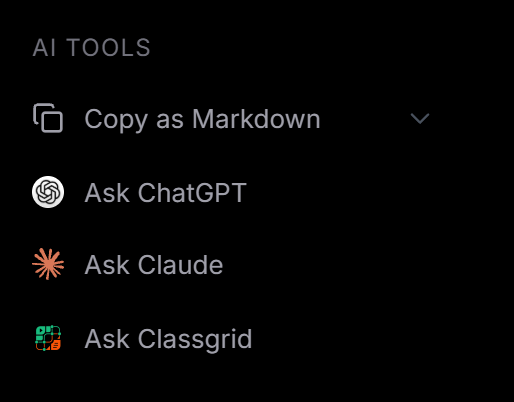 The Ask Classgrid button under AI Tools in the Classgrid docs